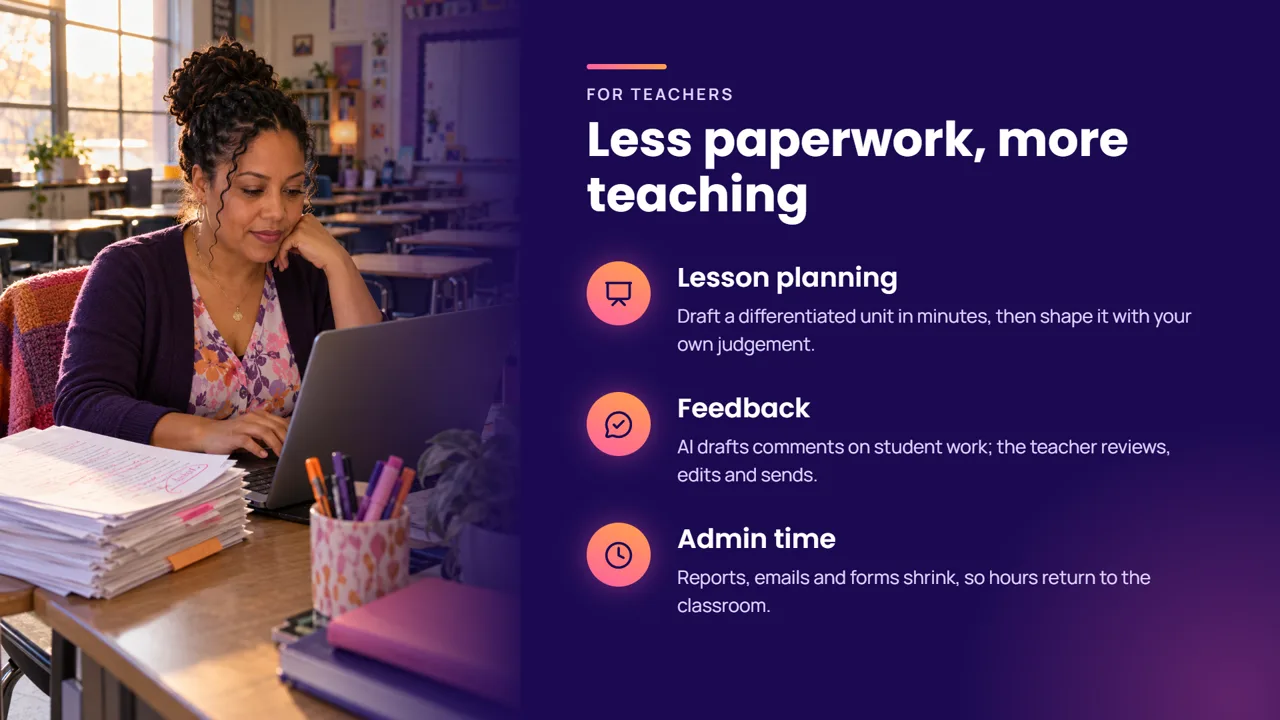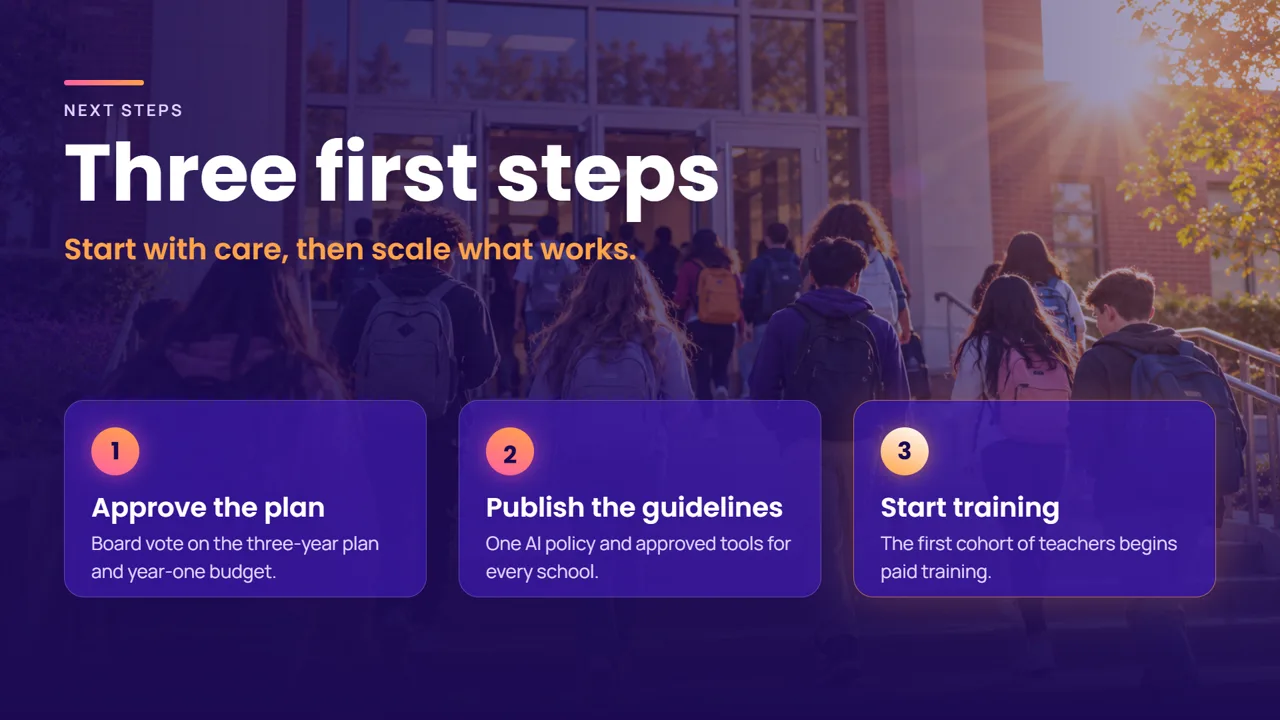
It knows what you selected
Select a slide, a photo or three words in a headline. Whatever you selected goes with your message, so “make this bolder” needs nothing more.
Free and open source for Windows 11
Slidr turns a few lines of description into a deck that looks made by a design studio: real photos, charts and layouts, and every slide still yours to edit.
Recorded in the app
Nothing here is a mock-up. These clips were captured from Slidr itself.
Edit your way
Everything the AI makes stays yours to change. Drag, retype and restyle as in any editor, ask the chat for a change, or let the design check repair what it finds on its own.
Select a slide, a photo or three words in a headline. Whatever you selected goes with your message, so “make this bolder” needs nothing more.
Every title, number and photo the AI places is an object you can move, restyle or delete.
Contrast, overflow and alignment are checked after every change, and the agent fixes what it finds.
Import any HTML presentation as editable slides. Export one file that plays anywhere, offline.
Each AI turn is a single step in your history. One click takes it back.
Why Slidr
Your AI, no extra bill
Slidr has no AI plan of its own to sell you. Sign in with the account you already have, or run models on your own machine. No command line: Slidr installs and connects everything for you.
Open source · On-prem
Slidr runs on the desktop, with no accounts and no cloud of its own. Connect it to the models your organisation approved, and every deck, prompt and photo stays inside your network.
The agent works with approved models: Azure, AWS, Google Cloud or your own server.
No telemetry and no sign-in. Files and the agent’s work stay on the machine.
A signed library and updates from an internal server, and central control of agents, models and languages.
Licensed under AGPL-3.0: read every line and build it yourself.
A signed Windows installer that deploys silently with the tools you already use.
Point the agent at your approved model gateway, and the library at an internal mirror.
Have the agent draft your brand templates from your site and logo, then ship them to every desk.
Templates
Each template brings its own colours, fonts and fourteen layouts in both directions, so the AI starts from a finished look. Or let it draft one from your website, your logo or a deck you already have.
The library
Search in plain words and add it in one click: line icons, colour illustrations, stickers, photo frames and complete designed slides. Every piece is editable and saved inside your file.
Charts, video, motion
Live charts in your template’s colours, video and sound, animations on every object and transitions between slides. Present full screen, or send one file that plays anywhere.
Eight chart types in your template’s colours, with data pasted from Excel.
mp4, webm and audio, trimmed, looped and played in the show.
Objects rise, fade and build step by step; slides move from one to the next.
Languages
The whole interface mirrors with its language, text direction is set per paragraph, and a line that mixes Hebrew and English simply works.
16 Languages in the interface and in ready-made content
Download Slidr for Windows 11. It is free, and it stays that way.
We will help you plan an on-prem rollout: your models, your library, your templates.
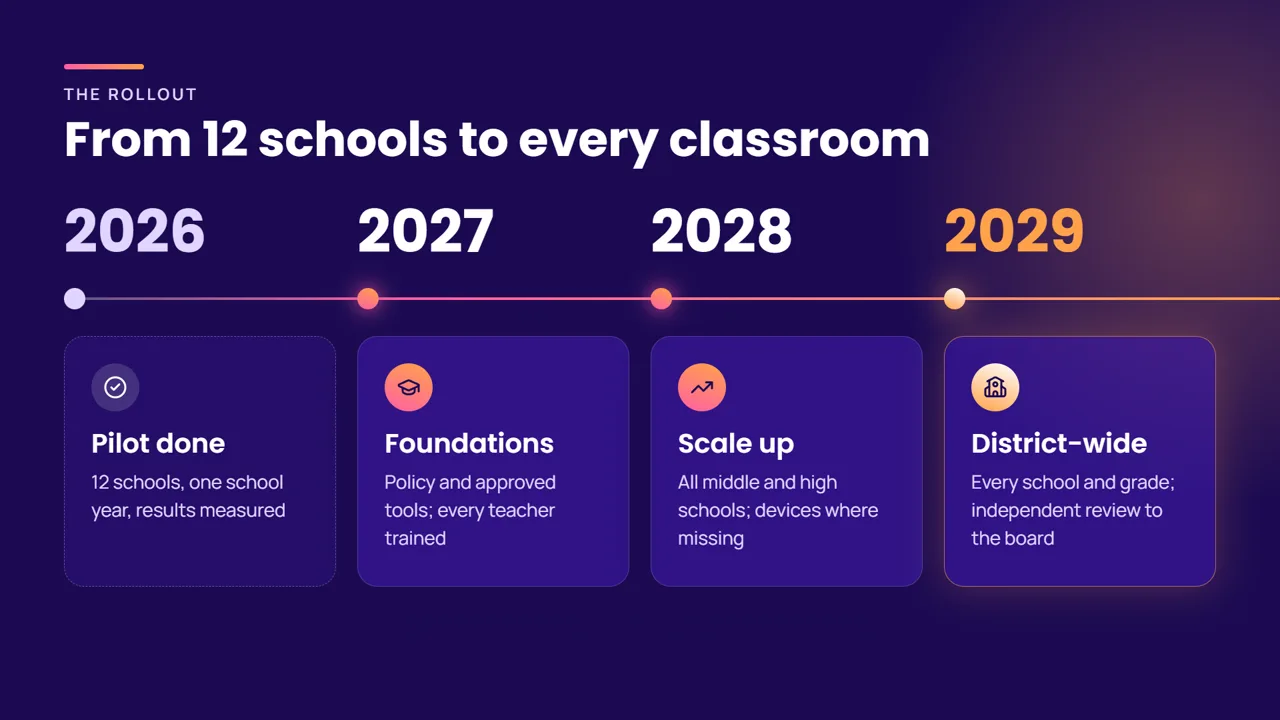 Redrew the timeline
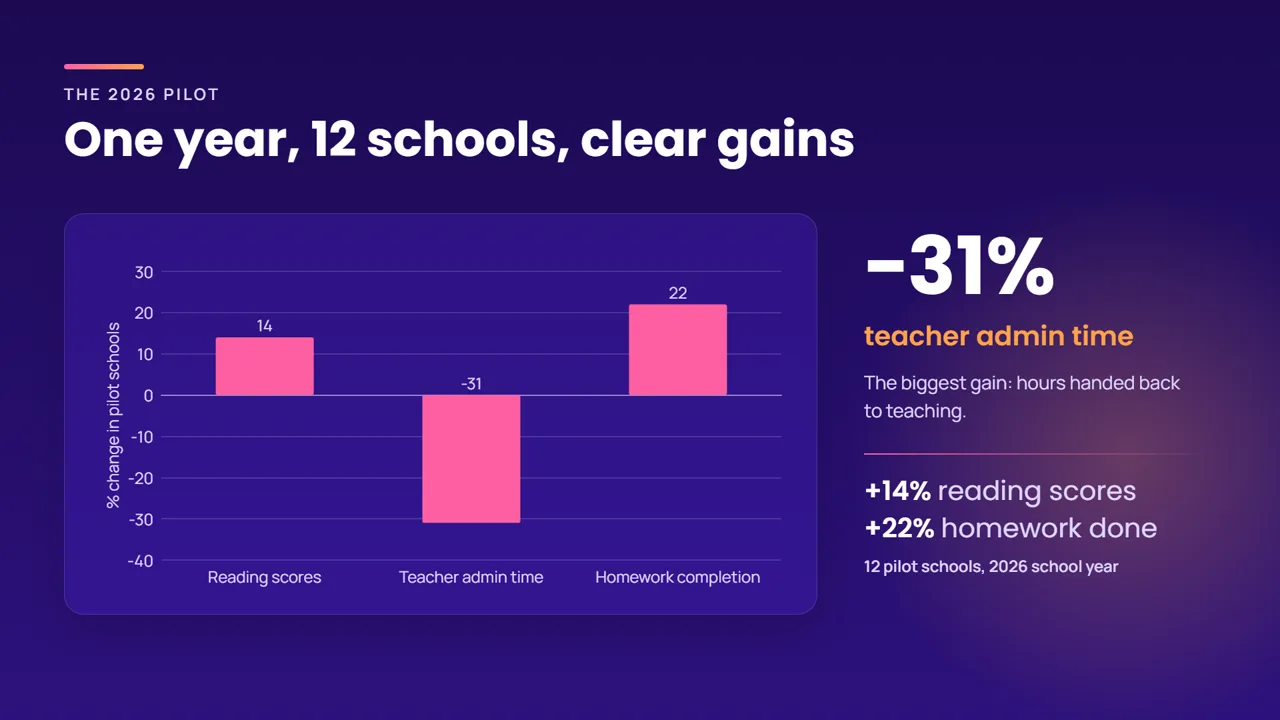 Added a chart of the pilot results